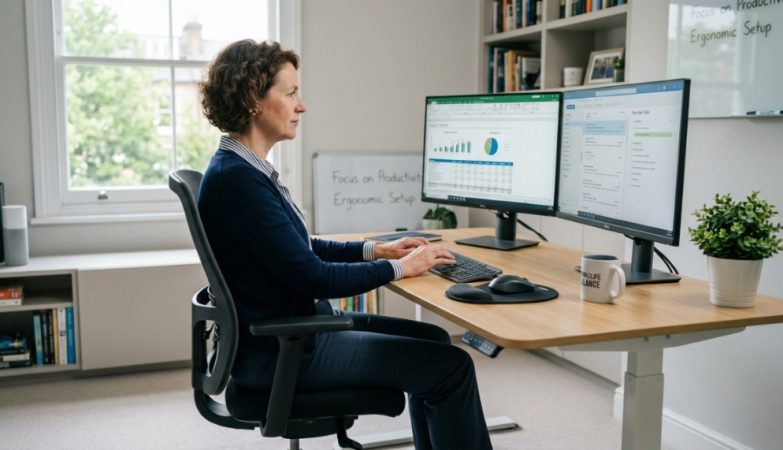
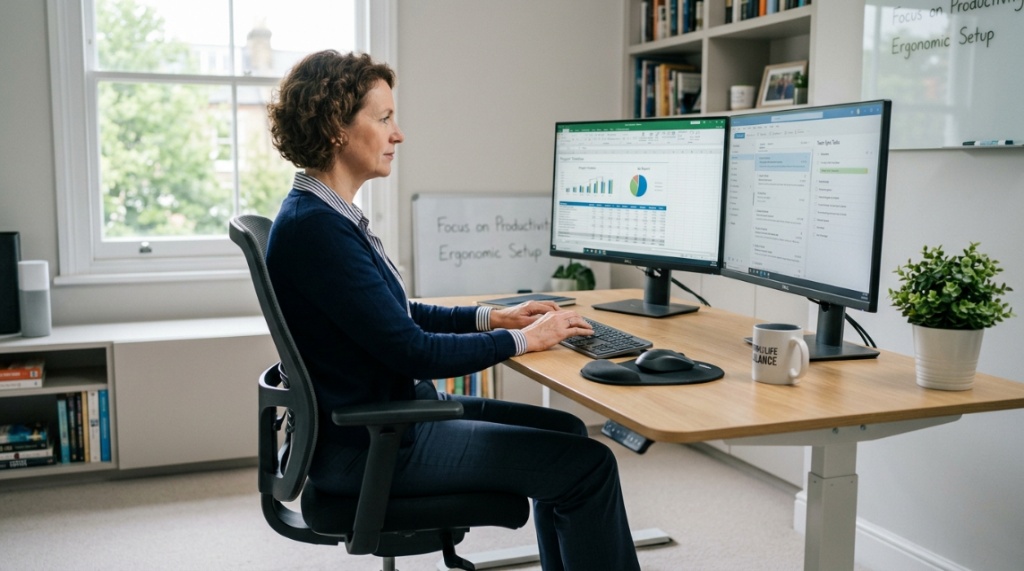
You finally bought that second monitor to boost your productivity. You plug it in, spread your arms wide, and… there’s no room. Your keyboard hangs off the edge, your coffee cup teeters near the abyss, and your mouse pad is a distant memory. This is the real struggle of working with two screens. The good news is that finding the right desk for dual monitors solves this problem completely. In this guide, I will walk you through exactly what to look for, what to avoid, and how to build a workspace that actually makes you feel productive instead of cramped.
Why Is Desk Depth More Important Than Width for Dual Monitors?
Most people focus on width when shopping for a two-monitor setup, but depth is the true deciding factor. You need at least 24 inches of depth to place a 24-inch monitor comfortably without straining your eyes. If you have 27-inch monitors, aim for 30 inches of depth. Shallow desks force you to sit too close, which causes eye fatigue and neck strain.
When you have two monitors side by side, the distance from your eyes to the screen matters just as much as having enough horizontal space. A depth of 24 to 30 inches allows you to push the monitors back and still have room for a full-size keyboard, a mouse, and a wrist rest. If you already own your monitors, measure them first. Add two to three inches behind each monitor for cable management and airflow.
If you find a desk that is 60 inches wide but only 20 inches deep, skip it. That shallow depth will make your monitors feel like they are staring you in the face. A smaller desk with proper depth beats a wide but shallow desk every time.
What Is the Minimum Desk Width for Two Monitors?
The minimum desk width for two 24-inch monitors is 55 inches. For two 27-inch monitors, you need at least 63 inches. This measurement assumes you place the monitors flat against the wall and keep them side by side without overlapping.
Here is a quick breakdown based on common monitor sizes:
| Monitor Size | Minimum Desk Width | Recommended Width |
|---|---|---|
| 21.5 inches | 48 inches | 55 inches |
| 24 inches | 55 inches | 60 inches |
| 27 inches | 63 inches | 70 inches |
| 32 inches | 72 inches | 80 inches |
Keep in mind that these numbers assume you are not using monitor arms. If you use monitor arms, you can save about 4 to 6 inches of width because the bases are removed. This trick often lets you fit two 27-inch monitors on a 60-inch desk without feeling cramped.
Can an L-Shaped Desk Work Better for Dual Monitors?
Yes, an L-shaped desk is often the best choice for dual monitors because it creates a natural split between your primary and secondary workspace. You can place your main monitor directly in front of you on one side and angle the second monitor on the return wing. This setup reduces neck twisting and keeps both screens within easy eye movement.
L-shaped desks also give you dedicated space for your keyboard, mouse, and paperwork. Many people use one wing for monitors and the other for writing, sketching, or a second computer. If you work from home and need space for both a work laptop and a personal setup, the L-shape is a lifesaver.
When shopping for an L-shaped desk, check the depth of the return wing. Some budget models have a very short return that barely fits a laptop. Look for a return depth of at least 18 inches. The main surface should still meet the 24 to 30 inch depth rule.
For those on a tight budget, the best affordable L-shaped desks can give you the same dual-monitor capability without sacrificing quality or stability.
How Does Desk Height Affect Your Daily Productivity?
Desk height directly impacts your posture, energy levels, and how long you can work without discomfort. The standard desk height is 29 to 30 inches, which works well for people between 5’8” and 5’10”. If you are shorter or taller, a fixed-height desk at 29 inches will cause problems.
For maximum productivity, consider a height-adjustable desk. Standing every 45 to 60 minutes improves blood flow and reduces the afternoon slump. When you sit too long, your focus drops and your body aches. A sit-stand desk for dual monitors lets you switch positions without interrupting your workflow.
If a height-adjustable desk is out of your budget, you can fix the height issue with a keyboard tray. A tray mounted below the desk surface lets you lower your keyboard to the correct ergonomic height while keeping your monitors at eye level. This costs under $50 and makes a huge difference.
Which Materials Support Heavy Dual Monitor Setups Safely?
Solid wood and heavy-duty engineered wood are the safest choices for dual monitors. Two monitors, monitor arms, a laptop, and accessories can weigh 50 to 80 pounds. Particleboard desks often sag in the middle over time, especially if you have a large span without center support.
Here are common materials ranked by durability:
- Solid hardwood – Best for heavy loads. Will not sag. Expensive but lasts decades.
- Birch or Baltic birch plywood – Excellent strength-to-weight ratio. Great for DIY or premium desks.
- Medium-density fiberboard (MDF) – Good option if it has a solid frame. Avoid MDF with thin laminate.
- Particleboard – Lightweight and cheap. Only buy if the desk has a center leg or crossbar support.
- Glass – Not recommended for dual monitors. Glass can crack under uneven weight and shows smudges constantly.
Always check the weight capacity listed by the manufacturer. A desk that claims 100 pounds capacity but has a thin particleboard top is risky. Look for a steel frame underneath for added stability.
How Do You Manage Cables for a Clean Dual Monitor Setup?
Cable management starts before you buy the desk. Look for desks with built-in cable trays, grommets, or mesh baskets. These features let you route monitor cables, keyboard wires, and power strips underneath the desk, keeping your surface clean and distraction-free.
If your desk does not have cable management built in, buy a stick-on cable tray for about $15. Run all cables along the back edge and bundle them with Velcro straps. For two monitors, you will likely have two power cables, two display cables, and possibly a USB hub cable. Zip ties and adhesive clips keep everything organized.
One tip that saves a lot of frustration: label both ends of every cable before you plug anything in. When you need to move your desk or swap a monitor, you will know exactly which cable does what.
Should You Use Monitor Arms on a Dual Monitor Desk?
Yes, monitor arms are the single best upgrade you can make for a dual monitor workspace. They free up desk space by removing bulky monitor stands. They also let you adjust the height, tilt, and angle of each monitor independently. This is critical for proper ergonomics.
Without monitor arms, your monitors sit on their original stands, which take up about 8 by 10 inches of desk space each. With arms, you can float the monitors above the desk and reclaim that space for papers, a tablet, or a drink.
When choosing monitor arms, check the weight limit per arm. Most monitors weigh between 8 and 15 pounds with the stand removed. Get arms that support at least 20 pounds per monitor for future-proofing. Also confirm that your desk has a solid edge for clamping. Glass desks and thin particleboard edges are not compatible with clamp-on arms.
How Important Is Storage for Daily Productivity at a Dual Monitor Desk?
Storage is essential because clutter kills focus. When you have two monitors, your usable desktop space is already reduced. Without dedicated storage for notebooks, pens, phones, and water bottles, your work surface becomes a mess within hours.
Look for desks that offer either built-in drawers, a hutch, or a shelf. If you prefer a minimalist look, buy a small rolling cabinet or a drawer unit that fits under the desk. This keeps essentials within arm’s reach without crowding your monitor area.
A good rule is to keep only your keyboard, mouse, monitor, and one personal item on the desk surface. Everything else should have a designated home. This reduces visual noise and helps you stay in the flow longer.
What About Aesthetics and Your Home Office Vibe?
Your desk should not function well and look ugly. You will spend hours at this desk every day, so choose a style that makes you feel calm and motivated. Dark wood finishes feel professional and hide smudges well. White desks look clean and modern but show dust and scratches more easily.
Consider the overall color palette of your room. A black desk in a bright room can feel heavy. A bamboo or light oak desk blends with most decor. If you rent, a neutral color is safer because it fits any future home.
If you plan to put your desk against a wall, a back panel or modesty panel hides cables and gives a finished look. Open-frame desks are trendy but show every cable hangin underneath. Choose based on how much visual tidying you want to do.
How Do You Test Desk Stability Before Buying?
Stability is non-negotiable when you have two monitors. A wobbly desk makes your screens shake every time you type or bump the table. This is incredibly annoying and lowers your productivity.
To test stability, physically wiggle the desk at the showroom or read reviews that mention wobble. Desks with four legs that are evenly spaced are more stable than desks with a single pedestal. Crossbars or a steel frame add rigidity.
If you buy online, look for desks with adjustable leveling feet. Floors are rarely perfectly flat, and leveling feet let you stabilize the desk without shoving cardboard under the legs. This is especially important for L-shaped desks because they have more contact points.
What Is the Best Desk Shape for Dual Monitors and Multitasking?
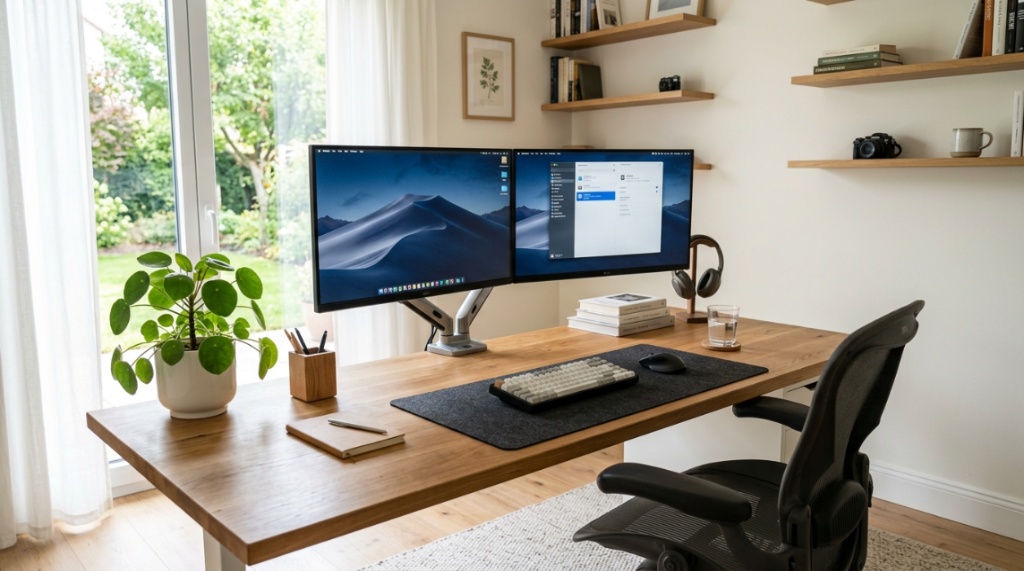
The best shape depends on how you work. If you primarily focus on one task at a time but use the second monitor for reference material, a rectangular desk works fine. If you constantly switch between tasks or run multiple applications, an L-shaped or U-shaped desk gives you more surface area without reaching across the table.
A U-shaped desk is the ultimate multitasking setup. You can have monitors on one side, a drawing tablet on the other, and paperwork in the middle. This shape is ideal for programmers, traders, designers, and anyone who runs several windows at once.
For most people, a 60-inch rectangular desk or a 55-inch L-shaped desk provides the best balance of space and cost. Larger desks can feel overwhelming in a small room and make cable management harder.
How Much Should You Spend on a Desk for Dual Monitors?
You can get a functional dual monitor desk for $150 to $300, but spending $400 to $700 gets you better materials, stability, and features. Budget desks often use particleboard and have low weight capacities. Mid-range desks use MDF or solid wood composites with steel frames.
Here is what you get at different price points:
- Under $200 – Particleboard, basic assembly, may wobble. Good for light use or temporary setups.
- $200 to $400 – MDF or laminate, better hardware, some cable management. Suitable for daily use.
- $400 to $700 – Solid wood tops or thick MDF, steel frames, height-adjustable options. Great for long-term productivity.
- $700 and up – Premium materials, motorized height adjustment, extensive cable management, warranty support.
Do not overspend if you are a student or casual user. Do not underspend if you work from home full-time. Your desk is the foundation of your daily productivity, and a cheap wobbly desk will cost you more in frustration than you save in dollars.
Optimizing your screen height ensures you maintain great posture throughout the day, reducing neck strain. Beyond setting up your hardware correctly, simple habits like Getting some stretches whilst at your desk can keep your energy high and prevent muscle stiffness during long shifts.
Frequently Asked Questions
Can I use a small desk for two monitors?
You can, but only if you use monitor arms to remove the stands and free up surface space. A 48-inch desk with monitor arms can fit two 24-inch monitors, but you will have very little room for anything else. For a comfortable setup, stick to a 55-inch or larger desk.
Are standing desks good for dual monitors?
Yes, standing desks are excellent for dual monitors as long as the desk top is wide and deep enough. Many standing desks come in 60-inch and 72-inch widths. The ability to switch between sitting and standing keeps your energy levels high throughout the day.
How do I prevent my dual monitor desk from sagging?
Choose a desk with a solid wood or thick MDF top and a center support leg or crossbar. Avoid long spans of thin particleboard without reinforcement. If your desk already sags, install a steel support beam underneath the center.
What type of desk is best for a gamer with two monitors?
L-shaped desks are popular with gamers because they provide space for two monitors plus a PC tower. Look for a desk with a monitor shelf or riser to keep screens at eye level. A cable management system is also critical for keeping gaming peripherals organized.
Can I put a dual monitor arm on any desk?
No. Monitor arms clamp to the back edge of the desk, so you need a solid edge that is at least 0.5 inches thick. Glass desks, thin plastic edges, and desks with curved or beveled edges may not support the clamp. Always check the clamp compatibility before buying.
How do I set up dual monitors for maximum productivity?
Place your primary monitor directly in front of you and your secondary monitor slightly to the side at a 15 to 30 degree angle. Keep both monitors at eye level so you do not look down. Use monitor arms for adjustability and keep your keyboard and mouse centered under your primary hand.
Is a 60-inch desk wide enough for two 27-inch monitors?
Yes, but only if you use monitor arms. With the stands removed, two 27-inch monitors side by side take about 50 inches of width. That leaves 10 inches for a laptop or personal items. Without monitor arms, two 27-inch monitors will not fit comfortably on a 60-inch desk.
Conclusion
Choosing the right desk for dual monitors comes down to depth, width, stability, and your personal work habits. Start by measuring your monitors and your room. Prioritize depth over width. Invest in monitor arms and cable management. Choose a material that can hold the weight. And never underestimate the value of a stable surface. Your daily productivity depends on a workspace that supports your tools instead of fighting them. Take the time to find a desk that fits your needs now and leaves room to grow. Your back, your eyes, and your workflow will thank you.